 Dragon Rider
 controls
Keyboard, mouse, and touch · browser game
Use WASD to move, the mouse to look, left-click for fire, and right-click to grab or throw. On mobile, use the left joystick, drag the camera on the right, and use the six listed action buttons.
Desktop and touch
| Action | Desktop | Touch | Note | Status |
|---|---|---|---|---|
| Move | WASD | Left joystick | Listed on the game page | 1 source |
| Look | Mouse | Drag on the right side | Listed on the game page | 1 source |
| Breathe fire | Left mouse button | Fire button | Hold for more fire, per the in-game prompt text | 1 source |
| Grab and throw | Right mouse button | no public source yet | Trailer shows “right click grab” and “right click throw” | 1 source |
| Climb | Space | Up button | Listed on the game page | 1 source |
| Dive | C | Down button | Listed on the game page | 1 source |
| Boost | Shift | Boost button | Strike goals say to hold boost through marked buildings | 1 source |
| Dodge | Q | Dodge button | Prompt: tap dodge to roll away from gunfire | 1 source |
| Roar | R | Roar button | Prompt: the city panics. No damage figure is published | 1 source |
| Land | F | no public source yet | Desktop only in the public list | 1 source |
| Pick up a power-up | E | no public source yet | Desktop only in the public list | 1 source |
| Pause | P | no public source yet | Desktop only in the public list | 1 source |
How the actions fit the goals
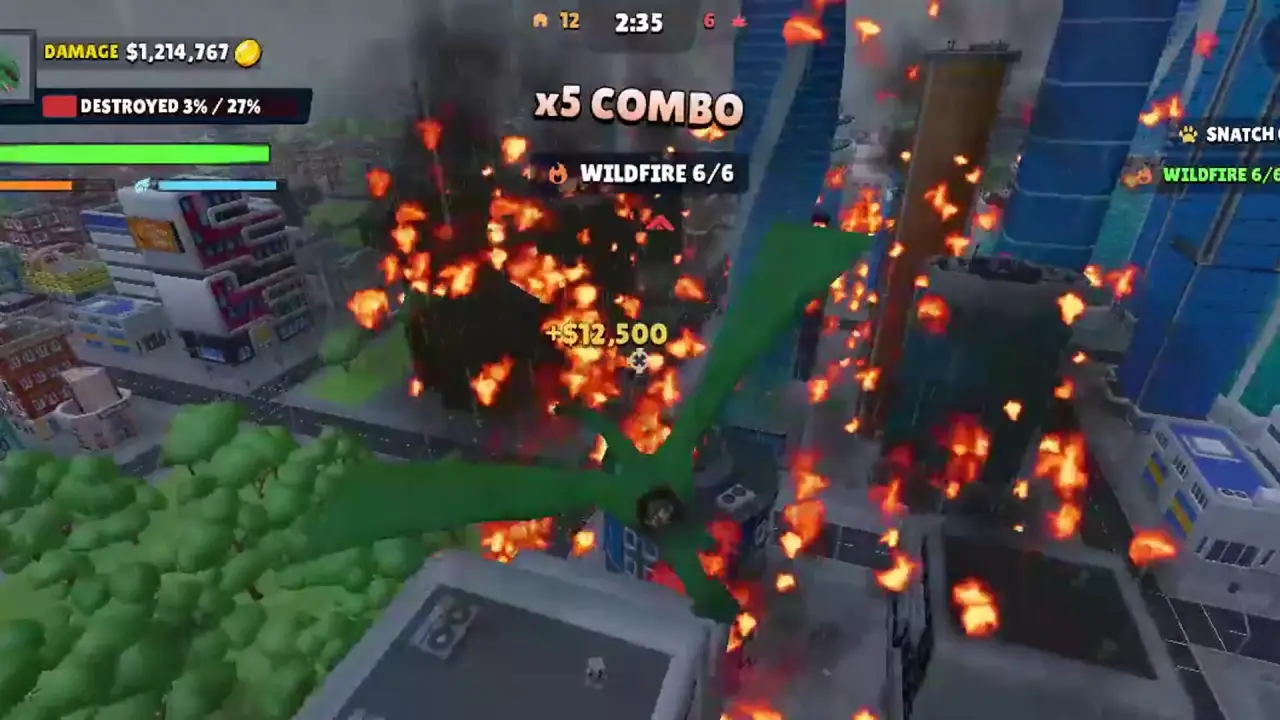
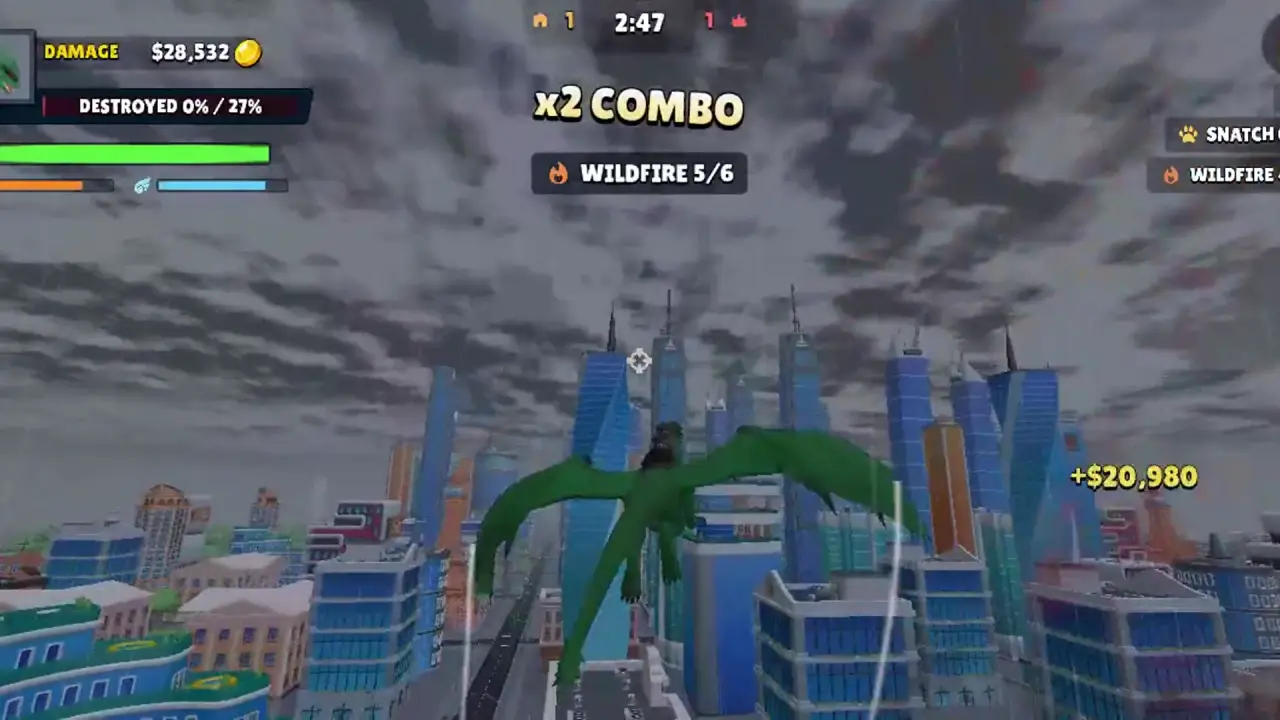
Fire is the Wildfire tool: hold it over marked buildings. Boost plus a low pass is the Strike tool. Grab is the Snatch tool, and the trailer times it to a chopper that has turned gold. Dodge is the answer to gunfire, not a damage upgrade. Roar is described as panic in the city, with no separate damage number attached.
Rage and Giant are pickups, not extra keys beyond E on desktop. Their effects sit on the power-ups page. Between cities you spend loot; that screen is not given its own key in the public list.
Why “dragon rider controls” searches are noisy
Most autocomplete lines for “dragon rider controls” point at Skyrim, World of Warcraft, or Valheim. Those keyboards do not apply here. This table is only the CrazyGames browser game. Kiloo’s side-scroller uses a different control set and is compared on its own page.
Questions
How do you grab a helicopter in Dragon Rider?
On desktop, right-click. The trailer prompts “right click grab” and “right click throw.” The mobile button list does not name a grab control.
Can you pause Dragon Rider?
The desktop list includes P for pause. A touch equivalent is not in the published button list.
Related
Sources
- Published game files (interface and tutorial text) — checked 2026-11-10
- CrazyGames game page (controls) — checked 2026-11-10
- Official trailer (grab prompts) — checked 2026-11-10